Sign In
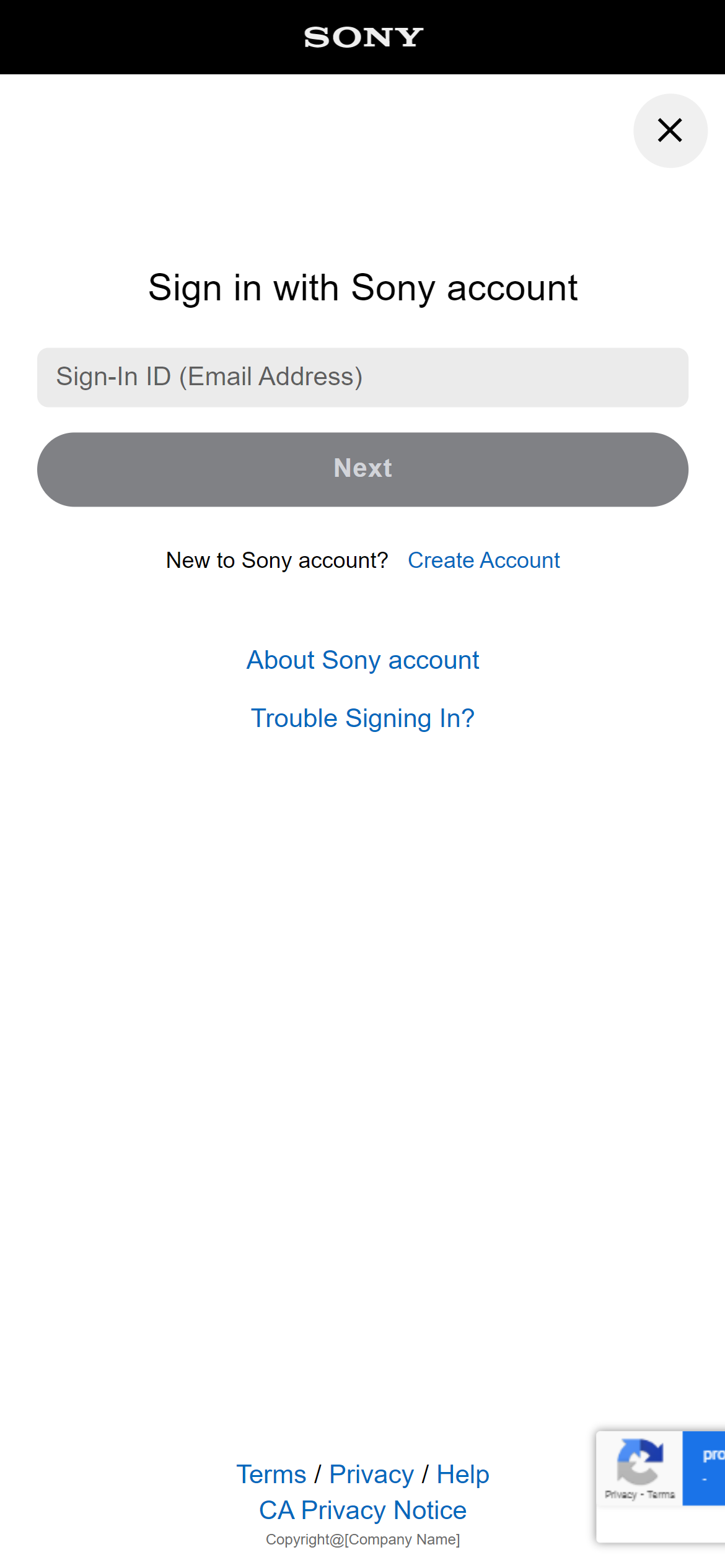
Enter your sign-in ID (email address) , then select [Next].
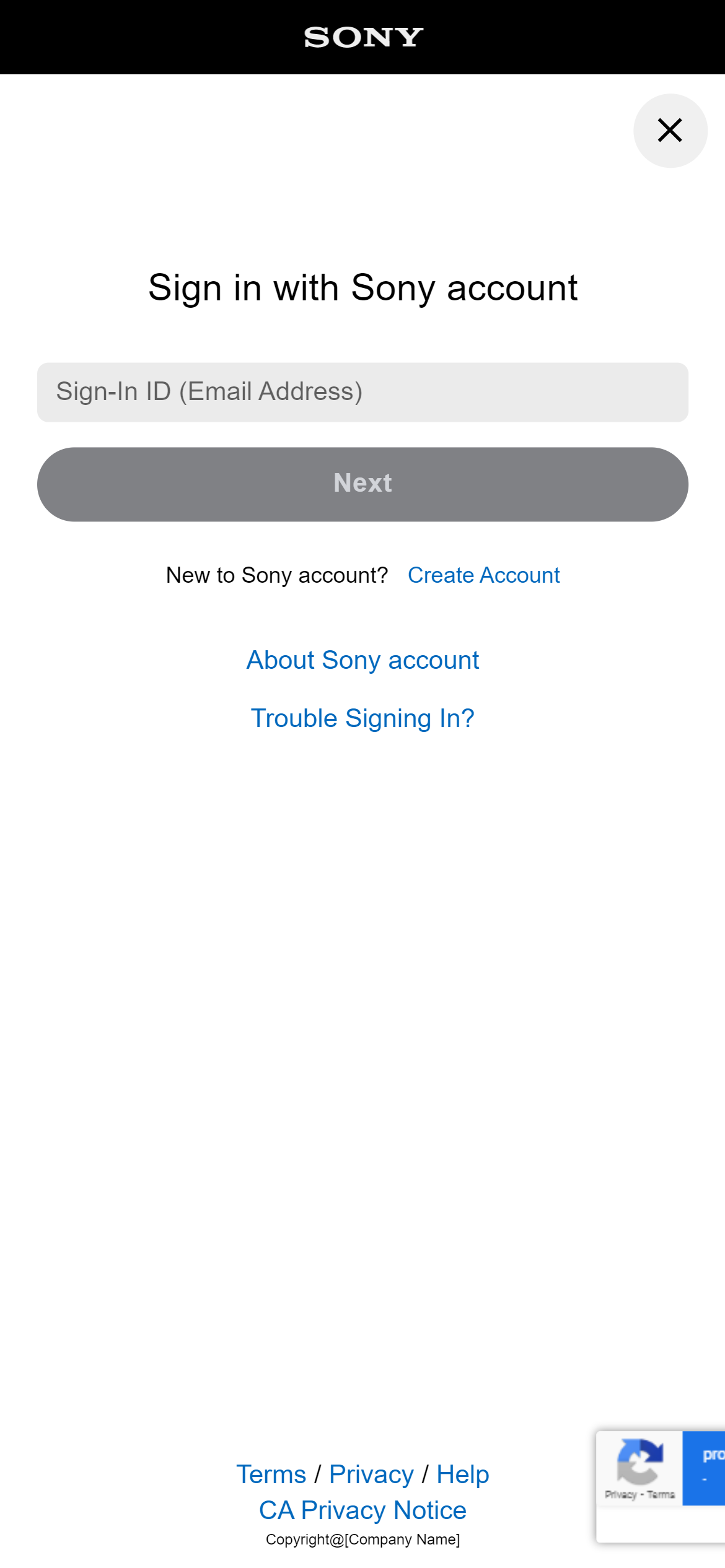
Enter your password, then select [Sign In].
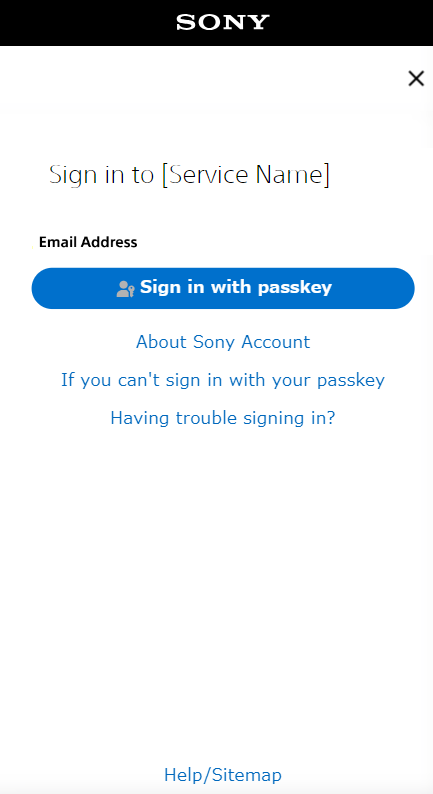
If passkey is set up, please sign in using the passkeys.
Select [Sign in with Passkey] and follow the on-screen instructions to authenticate with your passkeys and sign in.
For more information about passkeys, please click here.
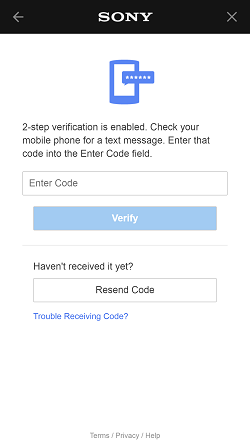
If two-step authentication is set up, enter the confirmation code and select [Verify].
If you can’t receive a verification code via text message or authenticator app, you can sign in by entering a backup code instead of a verification code.
Click here to configure two-step authentication.
Backup codes are available here.
If you cannot sign in, select [Trouble Signing In?].
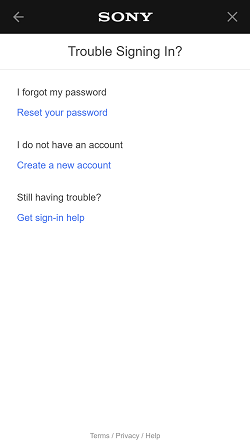
Go here to reset your password.
Go here to create a new account.
Sign In Help
- ▼ Sign-In ID Help
-
If you forgot the email address used with your account, look for past email sent from Sony@email.account.sony.com. When account information is changed, a message will always be sent to the email address used for your account.
- ▼ Password Help
-
Please check if Caps Lock is activated on your keyboard.
Passwords are case sensitive. A common mistake is activating Caps Lock on your keyboard then typing uppercase letters when you meant to type lowercase letters.
View characters as you enter using the "eye" icon.
- ▼ Password Reset Help
-
If you tried to reset your password and haven't received your password reset email try the steps below.
- Check your junk folder in case your password reset email went to junk mail.
- Check that your inbox settings are configured to allow emails from sony@email02.account.sony.com / sony@txn-email03.playstation.com.
- Check the email account linked to your account.
- Make sure you correctly entered your email address.
- ▼ Further Help
- If you cannot sign in to your account, visit the Customer Support page and check the network status.