SONY
Corporate Information
Mission / Vision
CEO Message
Co-Creation
Corporate Data
Products & Services
Technology
Haptics Technology
Transparent Screen Display
Super-Resolution Technology
360 Virtual Mixing Environment
Eye-sensing Light Field Display
Digital Human Technology
Innovative Material Development
News
News Releases
Important Notices
Sustainability
Sustainability
Environment
Accessibility
Diversity
Social Contribution
Corporate Information
Products & Services
Technology
News
Sustainability
Contact
Corporate Information
Mission / Vision
CEO Message
Co-Creation
Corporate Data
Products & Services Top
Consumer
Professional
Business Area
Imaging Entertainment
Lens Technology & System
Mobile Communications
Home Entertainment
Personal Entertainment
Professional Imaging Technology
Media Solution
Software Service
Virtual Production
Sports Entertainment
Life Science & Technology
Secure Technology & Solution
New Initiatives
XYN™(/zin/)
Automotive Entertainment
Olfactive Technologies
OTC(Over-the-Counter) Hearing Aids
Technology
Haptics Technology
Transparent Screen Display
Super-Resolution Technology
360 Virtual Mixing Environment
Eye-sensing Light Field Display
Digital Human Technology
Innovative Material Development
News
News Releases
Important Notices
Sustainability
Sustainability
Environment
Accessibility
Diversity
Social Contribution
JP
EN
Corporate Information
Mission / Vision
CEO Message
Co-Creation
Corporate Data
Products & Services
Products & Services Top
Consumer
Professional
Business Area
Imaging Entertainment
Lens Technology & System
Mobile Communications
Home Entertainment
Personal Entertainment
Professional Imaging Technology
Media Solution
Software Service
Virtual Production
Sports Entertainment
Life Science & Technology
Secure Technology & Solution
New Initiatives
XYN™(/zin/)
Automotive Entertainment
Olfactive Technologies
OTC(Over-the-Counter) Hearing Aids
Technology
Technology
Haptics Technology
Transparent Screen Display
Super-Resolution Technology
360 Virtual Mixing Environment
Eye-sensing Light Field Display
Digital Human Technology
Innovative Material Development
News
News
News Releases
Important Notices
Sustainability
Sustainability
Sustainability
Environment
Accessibility
Diversity
Social Contribution
Contact
JP
EN
Sony Corporation
账号帮助
配置2步验证
通过短信设定2步验证
配置密钥
禁用密钥
通过验证应用程序设定2步验证
禁用2步验证
接收备用代码
通过短信设定2步验证
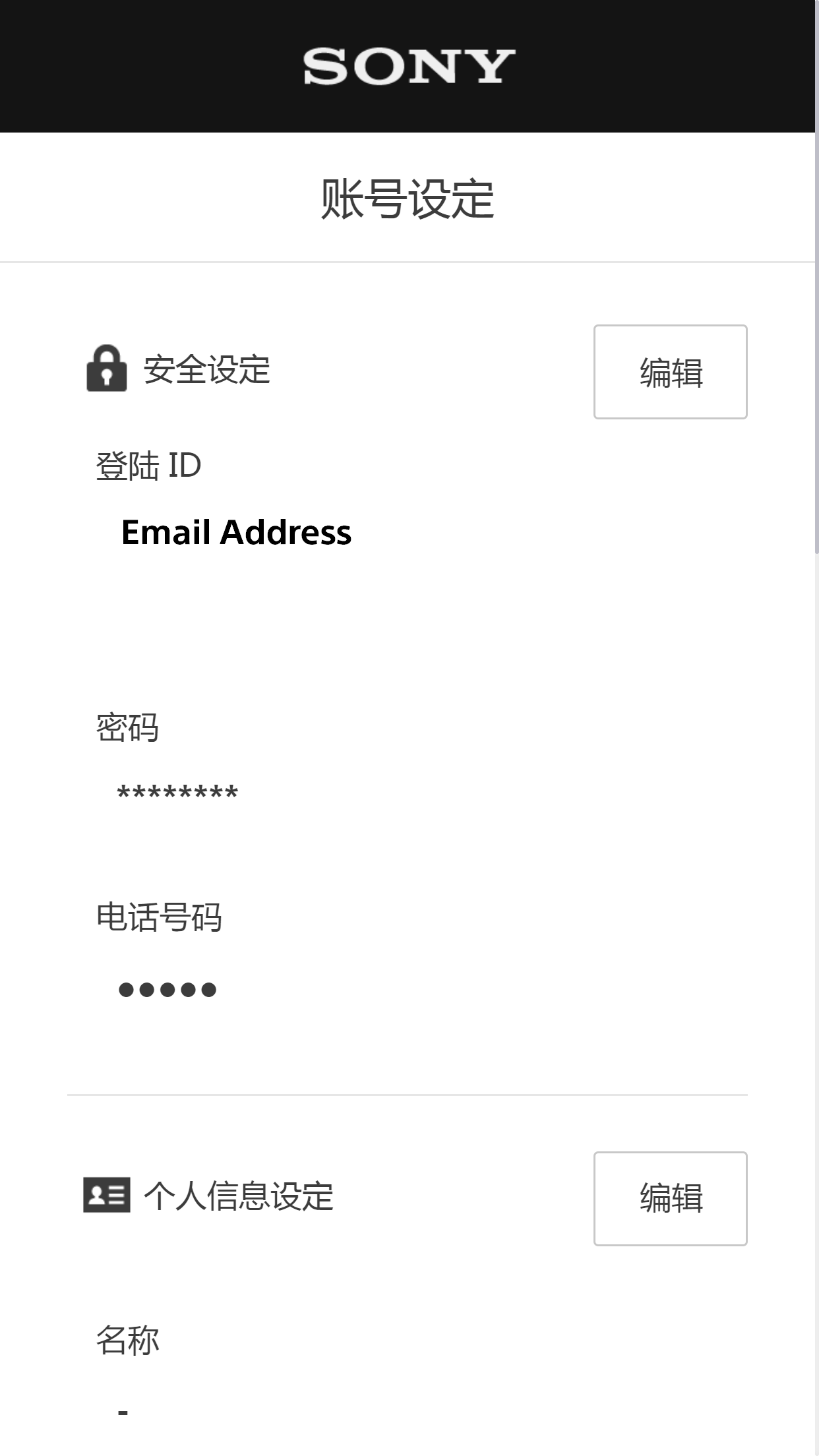
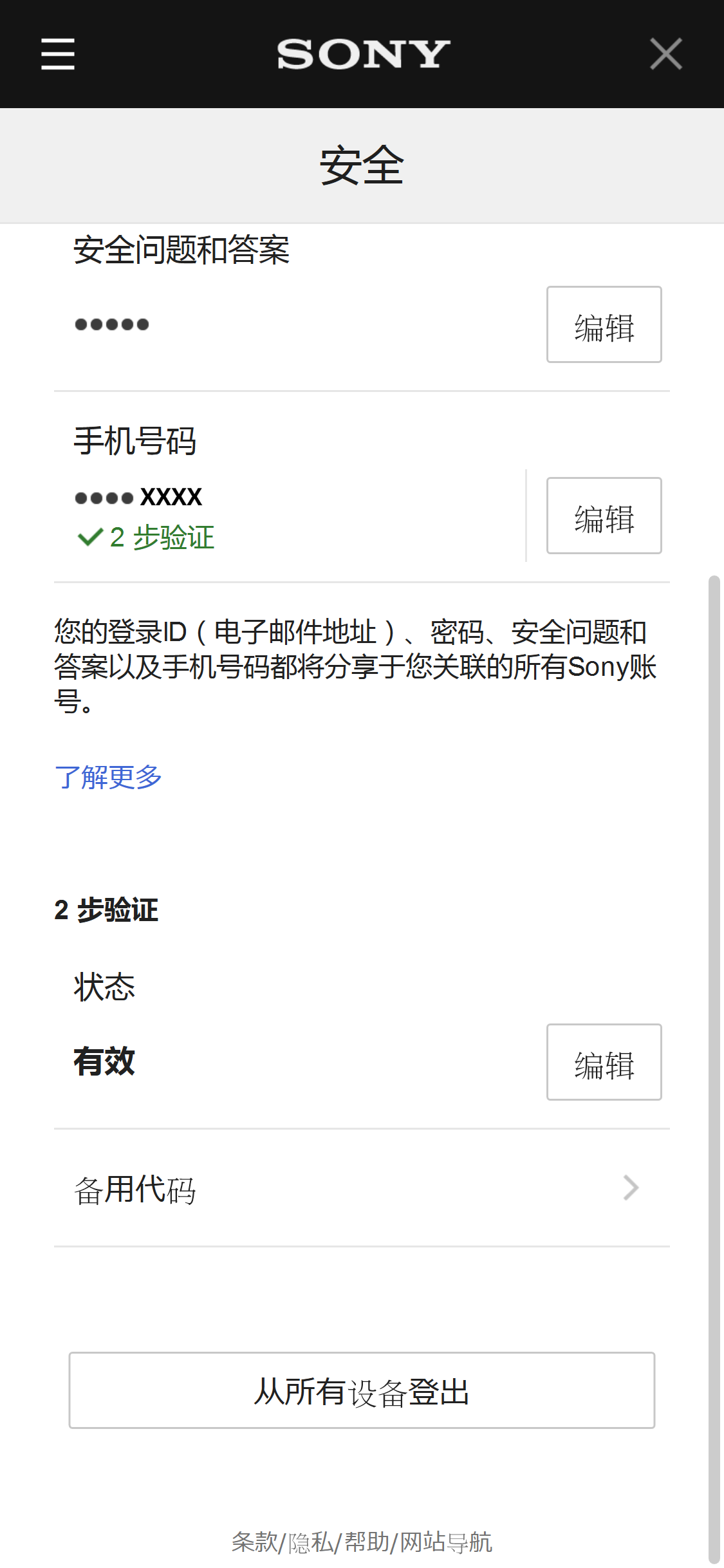
在"账号设定"画面选择[编辑]以编辑安全设定。
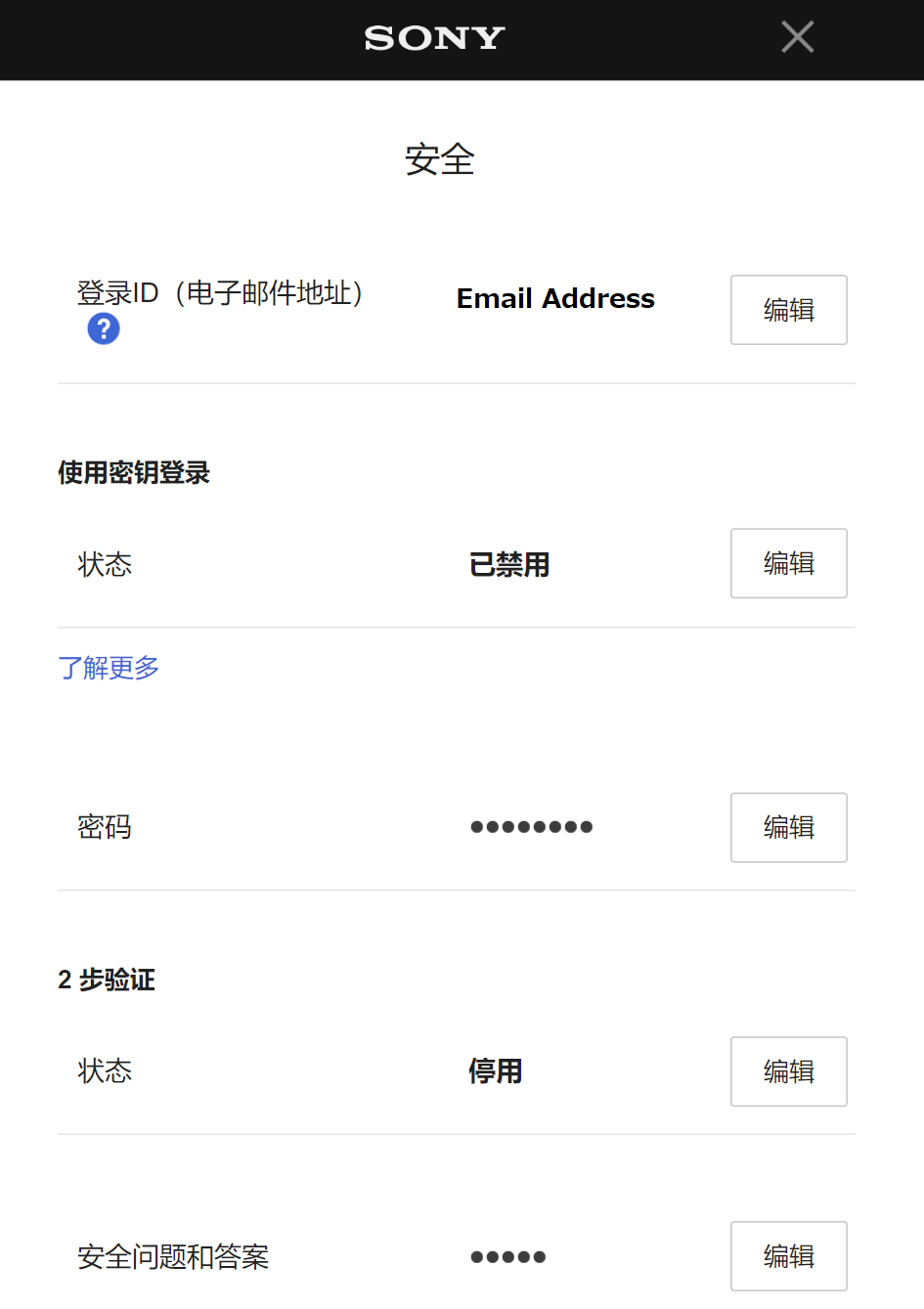
选择2步验证旁边的[编辑]。
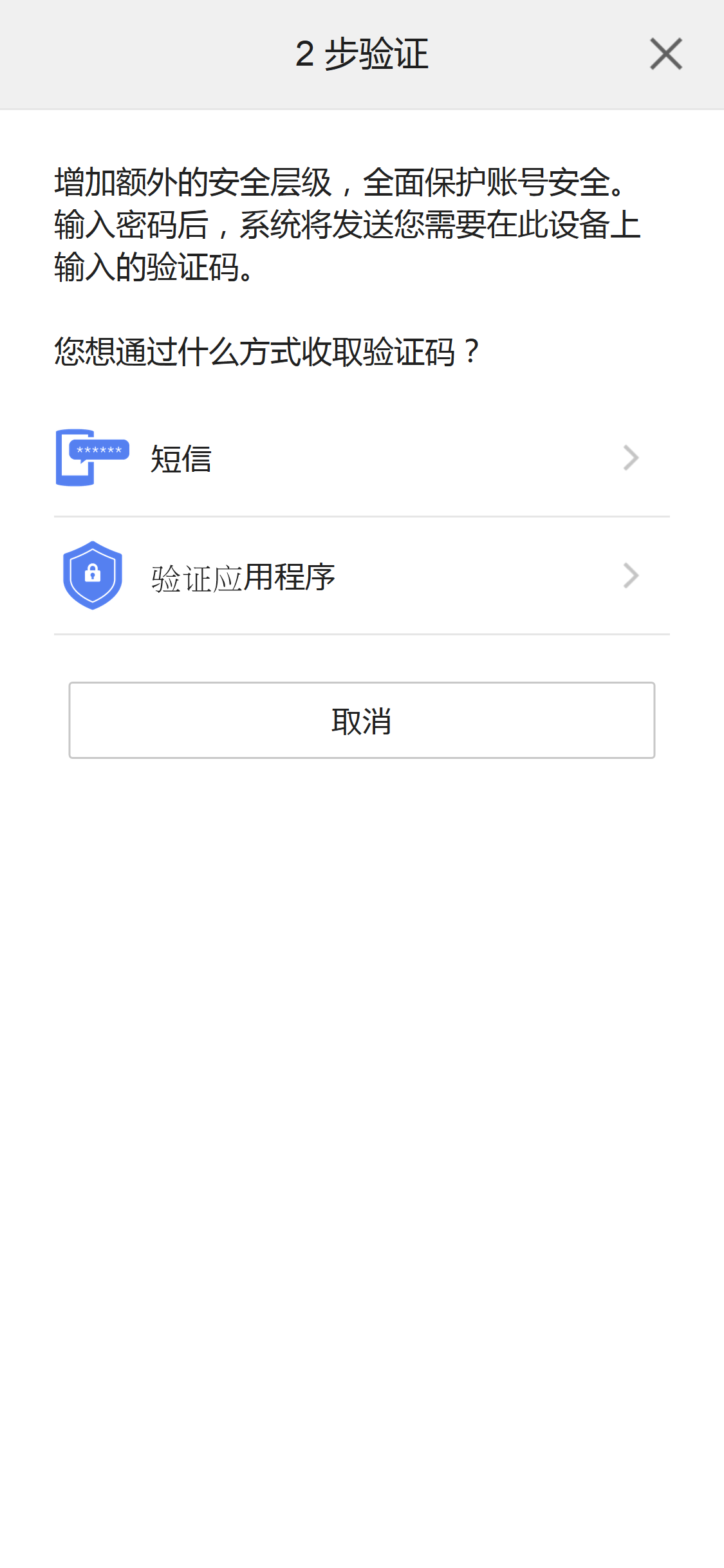
请选择[短信]。
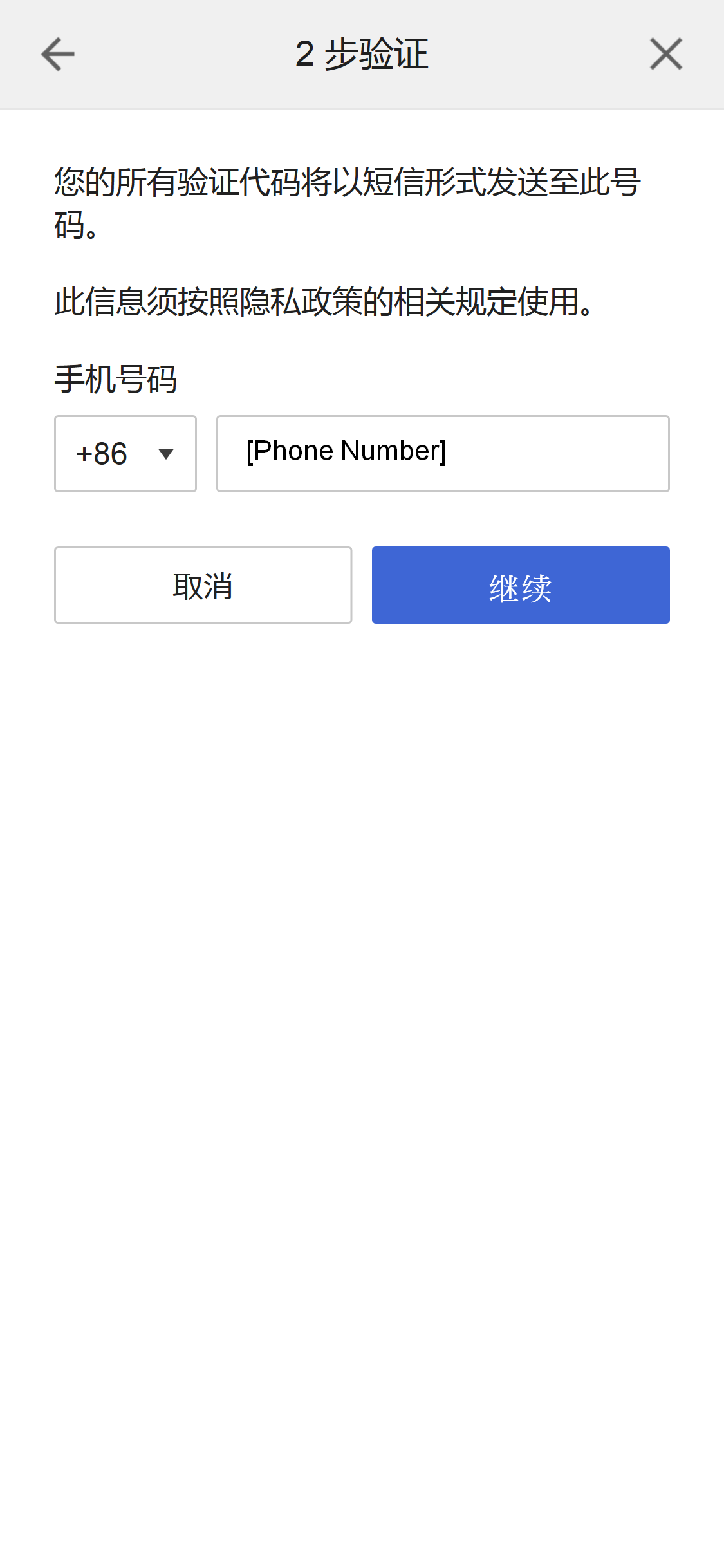
若您尚未配置手机号码,请输入手机号码并选择[继续]。
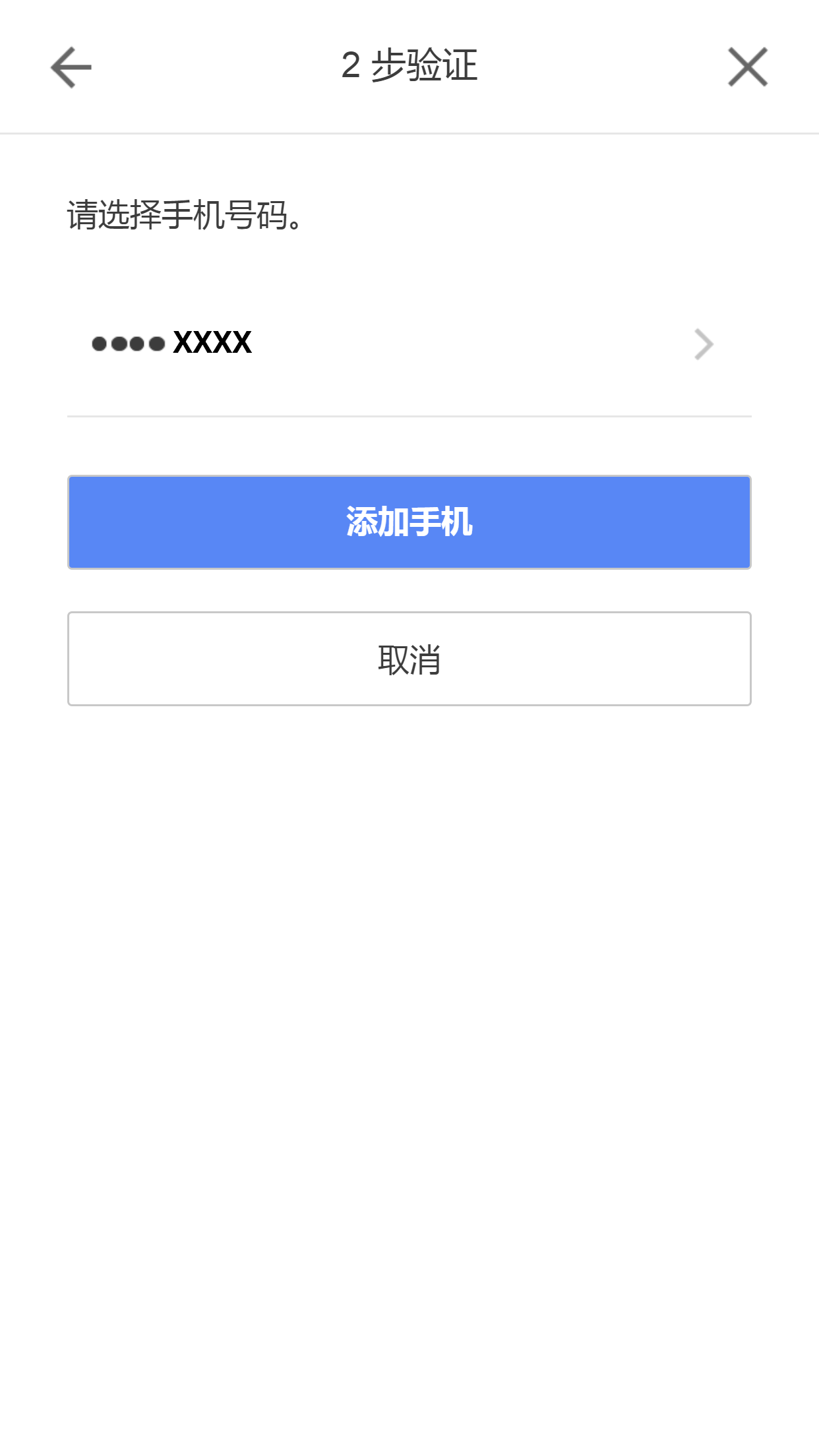
若您已经配置了移动电话号码,请选择要用于2步验证的移动电话号码旁的[ > ]。
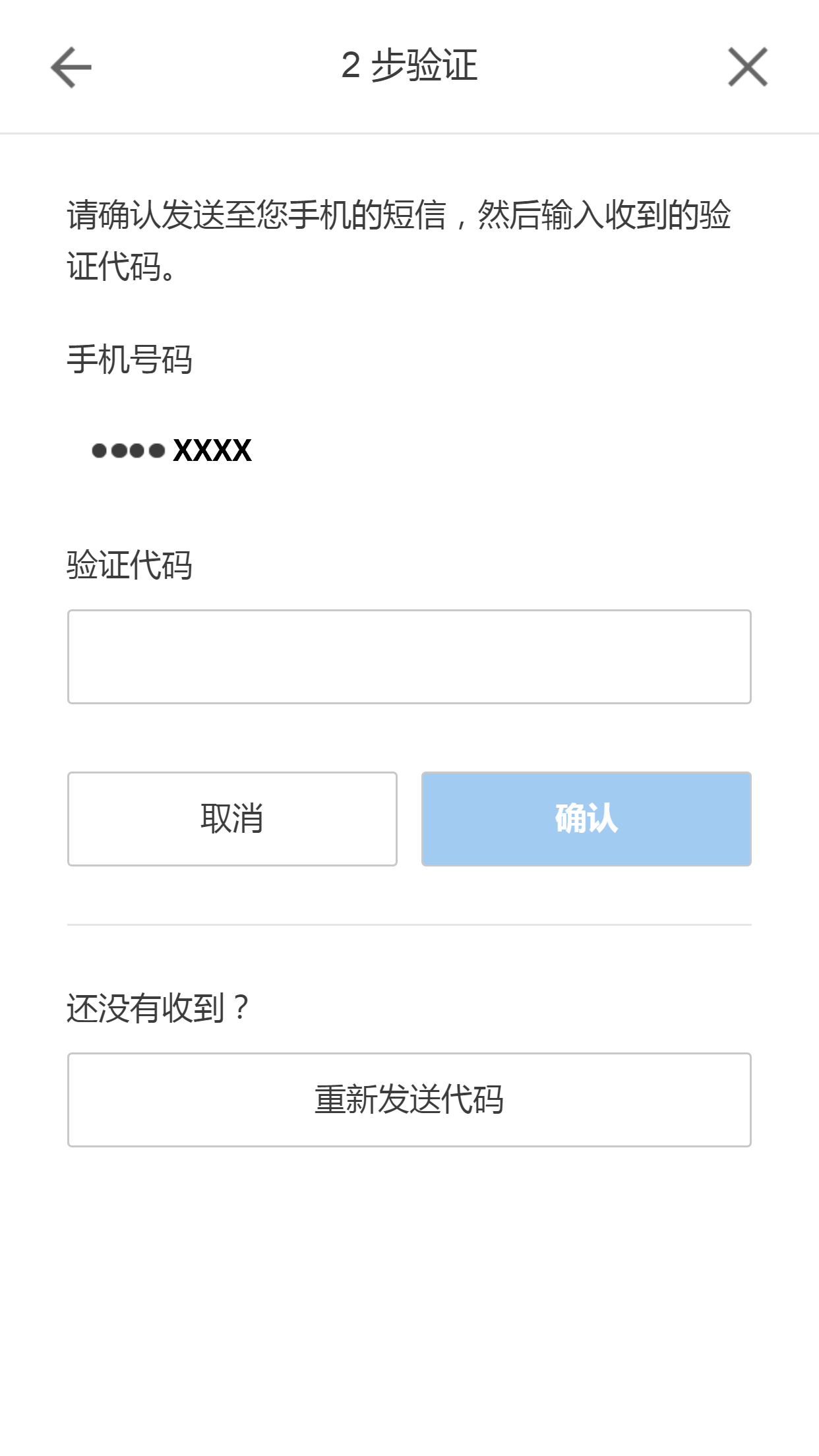
我们会将一条短信发送到您的手机。请输入验证代码并选择[确认]。
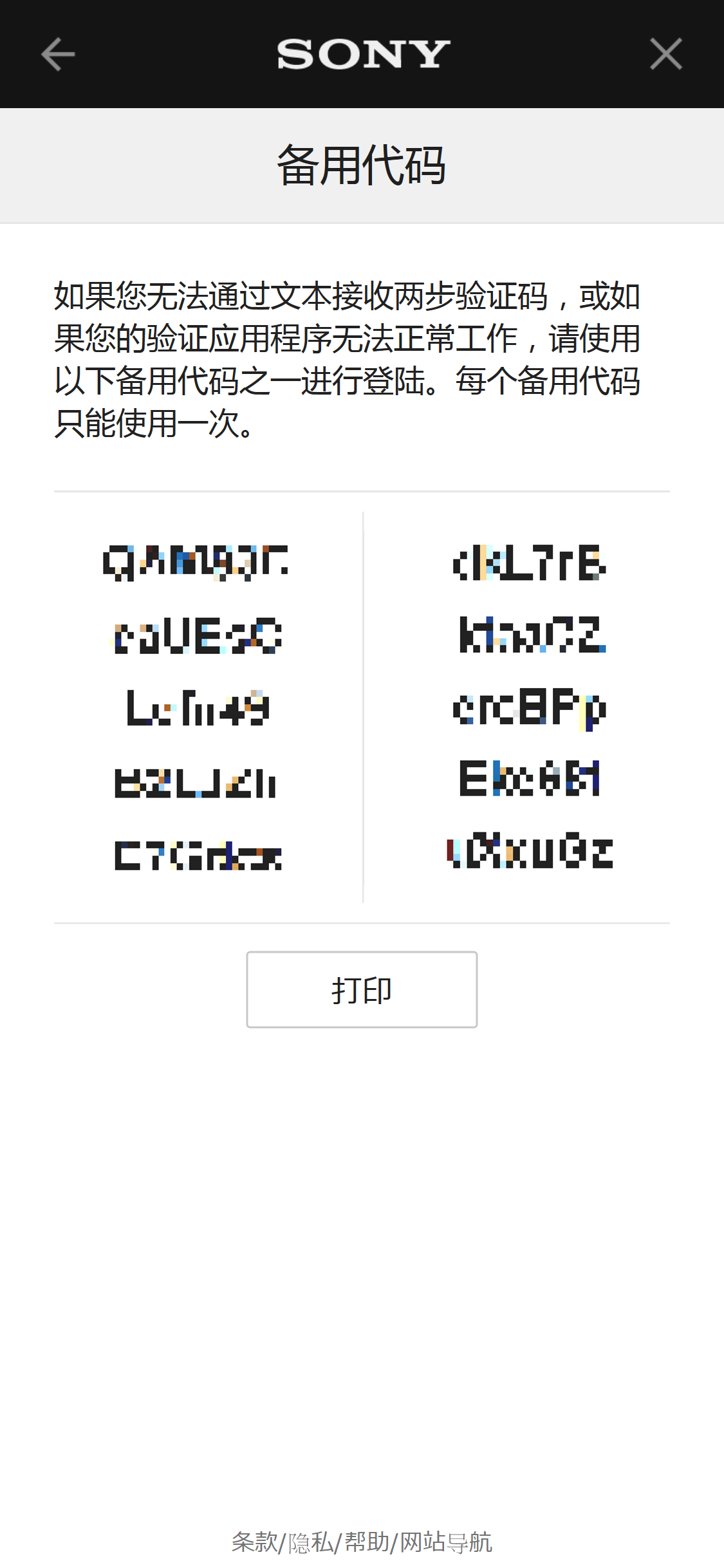
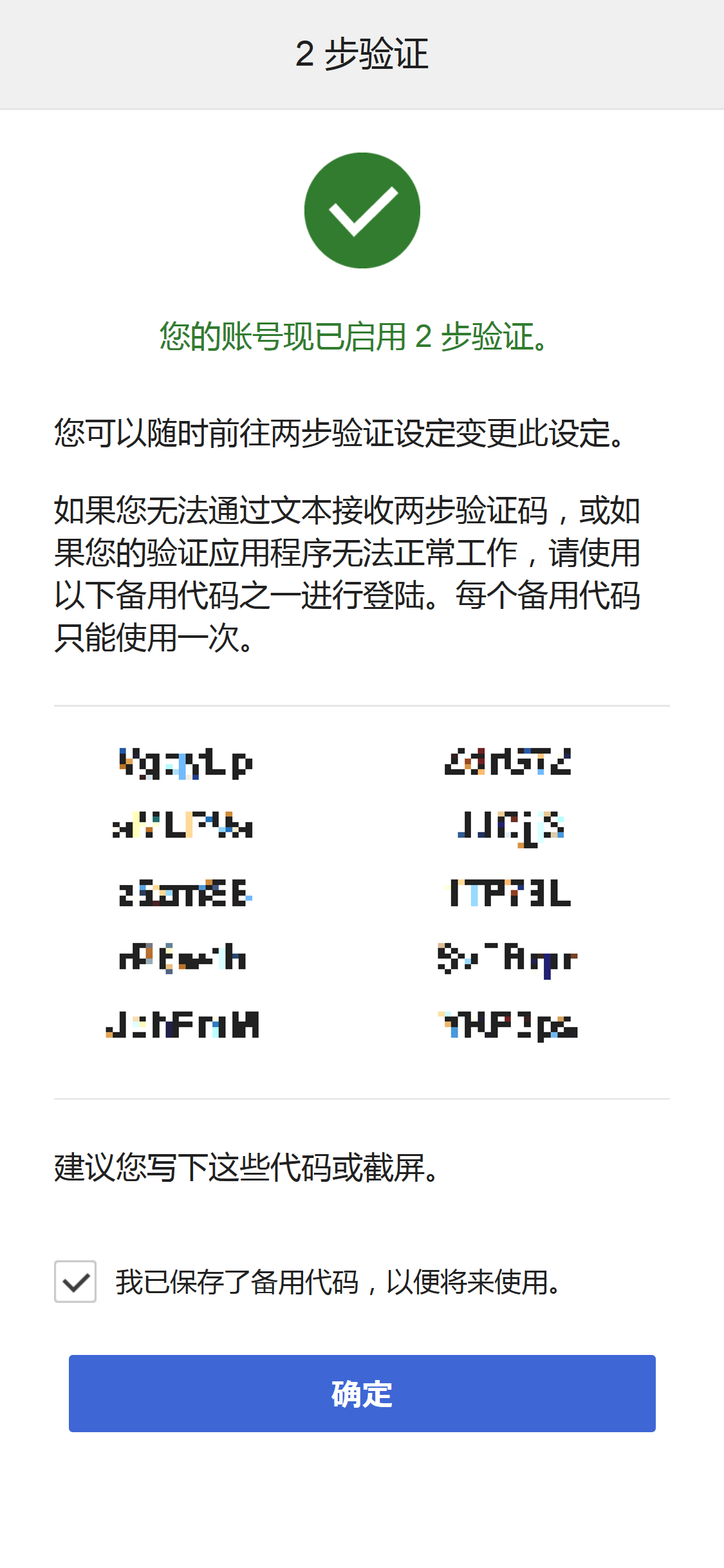
我们建议记下备用代码。例如,截取画面截图。
如果无法通过短信或验证应用程序接收验证代码,可以输入备用代码代替验证代码登陆。
配置密钥
有关更多信息,请访问
这里
。
禁用密钥
有关更多信息,请访问
这里
。
通过验证应用程序设定2步验证
在"账号设定"画面选择[编辑]以编辑安全设定。
选择2步验证旁边的[编辑]。
请选择[验证应用程序]。
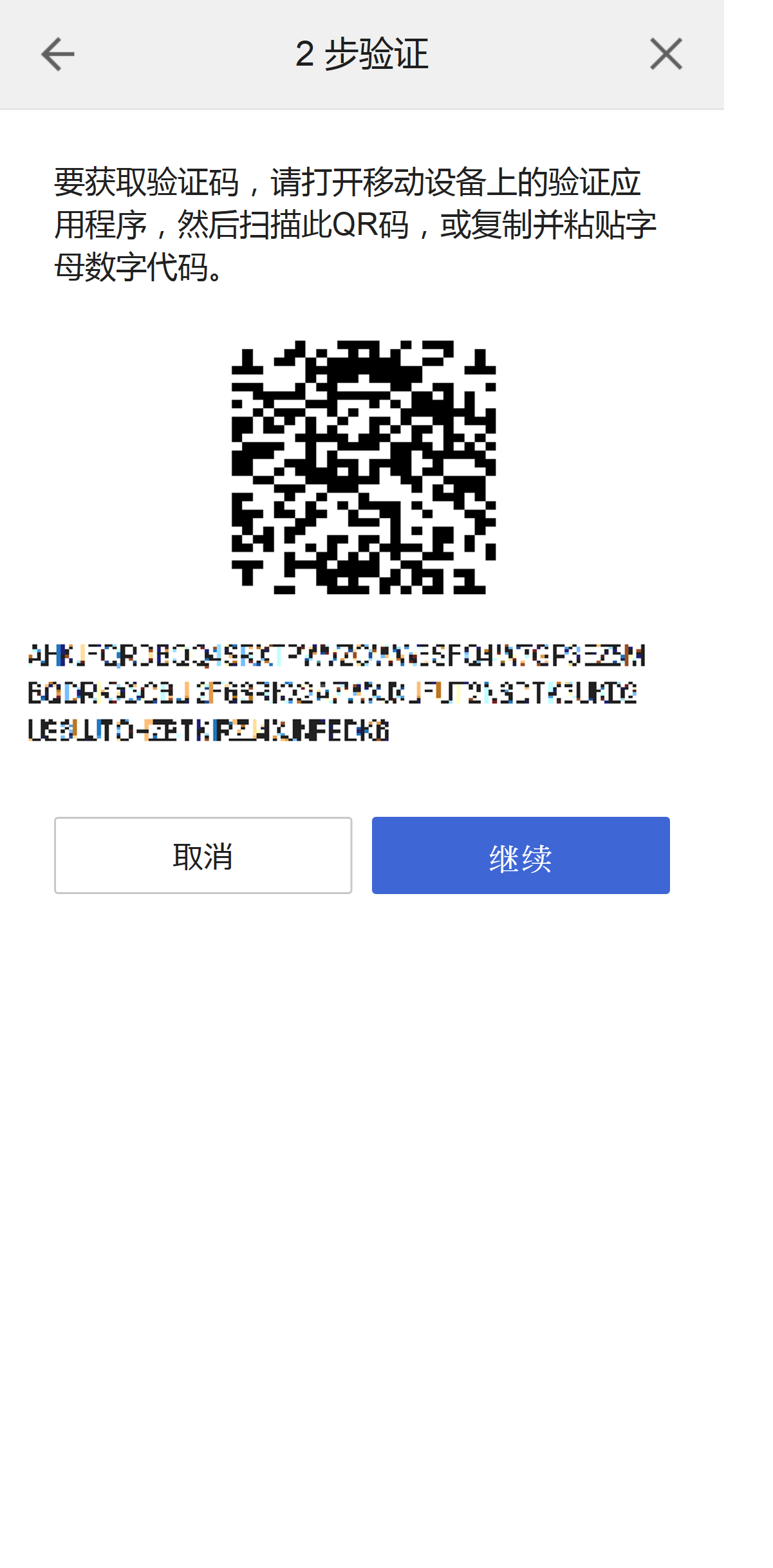
使用手机设备上的验证应用程序,扫描此QR码,或将字母数字字符复制并粘贴到应用程序中。
验证应用程序设定完成后,选择[继续]。
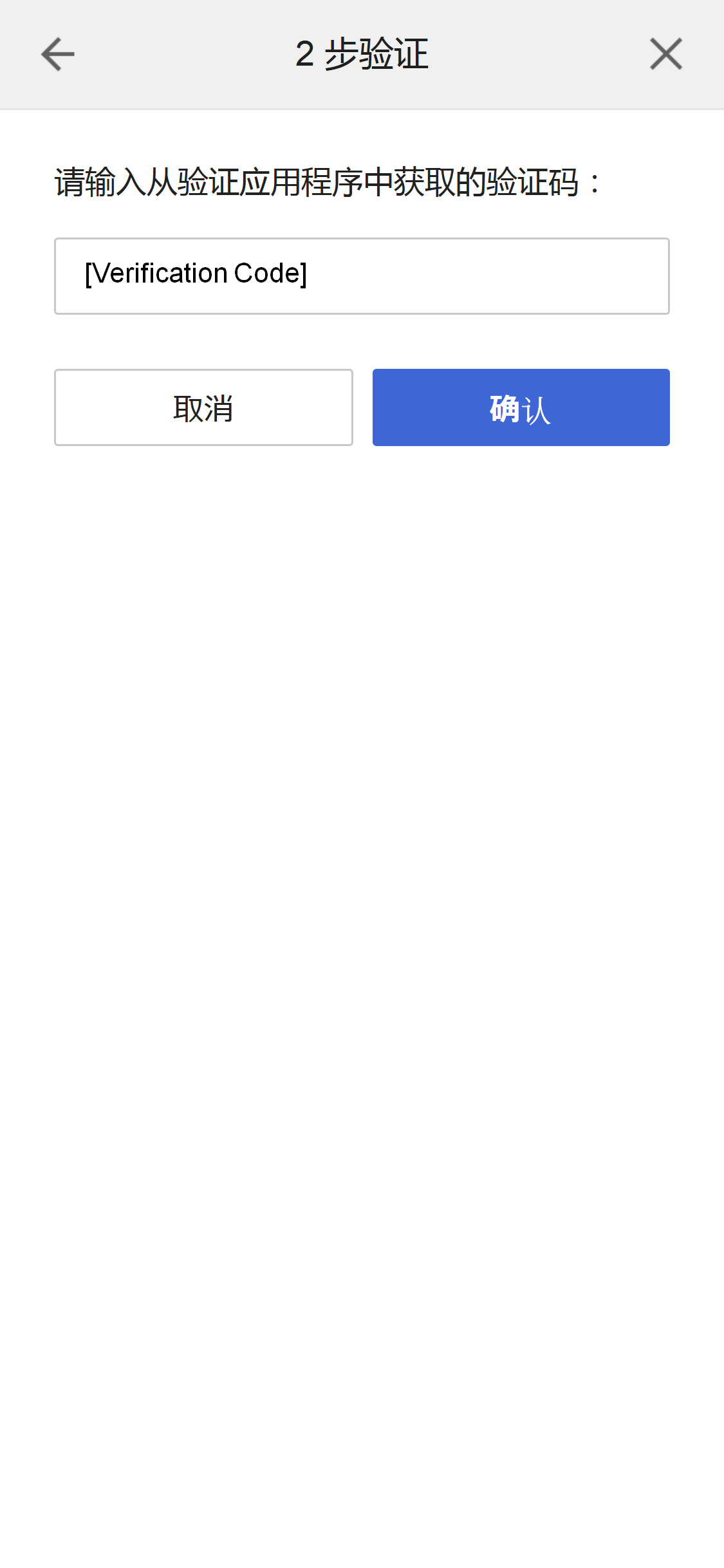
请输入从您手机设备上验证应用程序收到的验证代码,然后选择[验证]。
我们建议记下备用代码。例如,截取画面截图。
如果无法通过短信或验证应用程序接收验证代码,可以输入备用代码代替验证代码登陆。
每个代码仅能使用一次。
禁用2步验证
在"账号设定"画面选择[编辑]以编辑安全设定。
选择2步验证旁边的[编辑]。
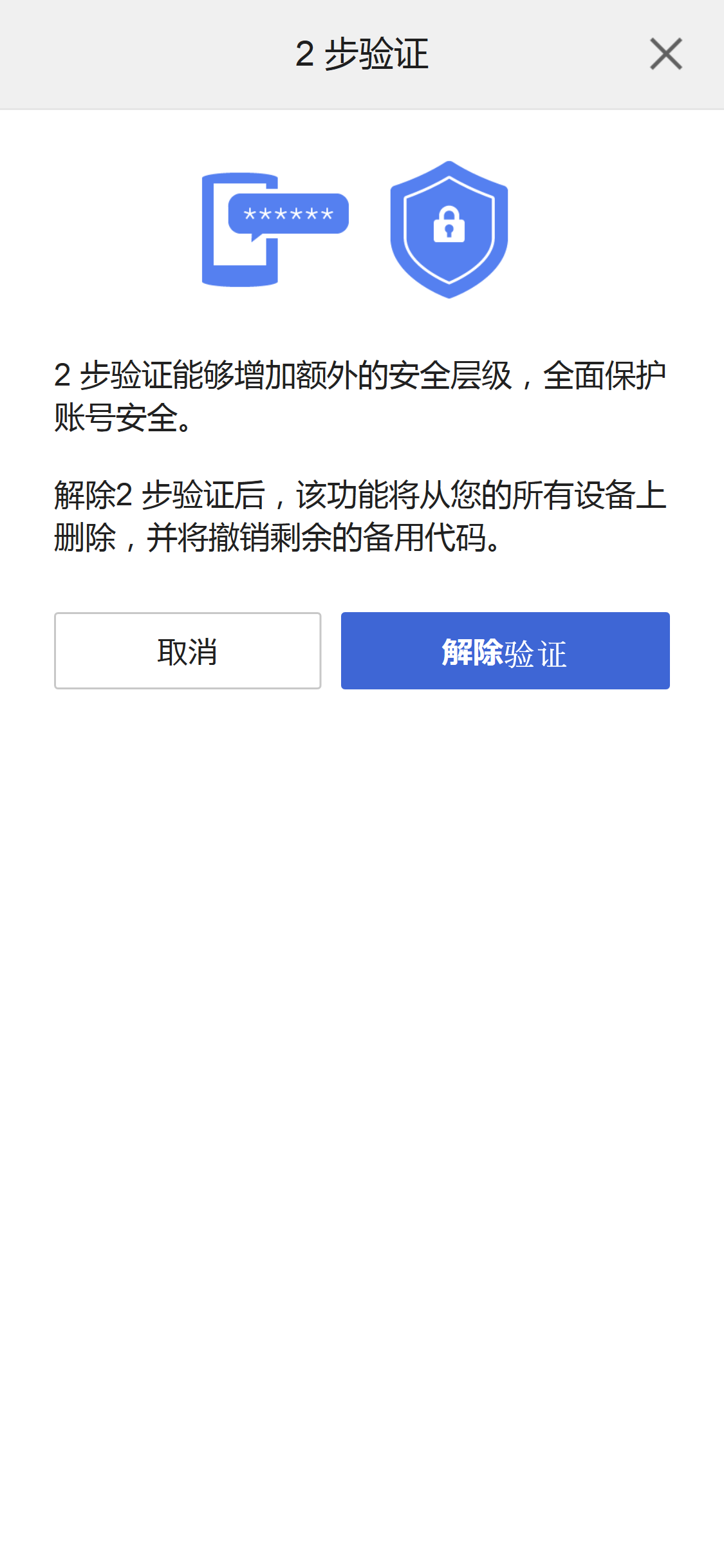
请选择[解除验证]。
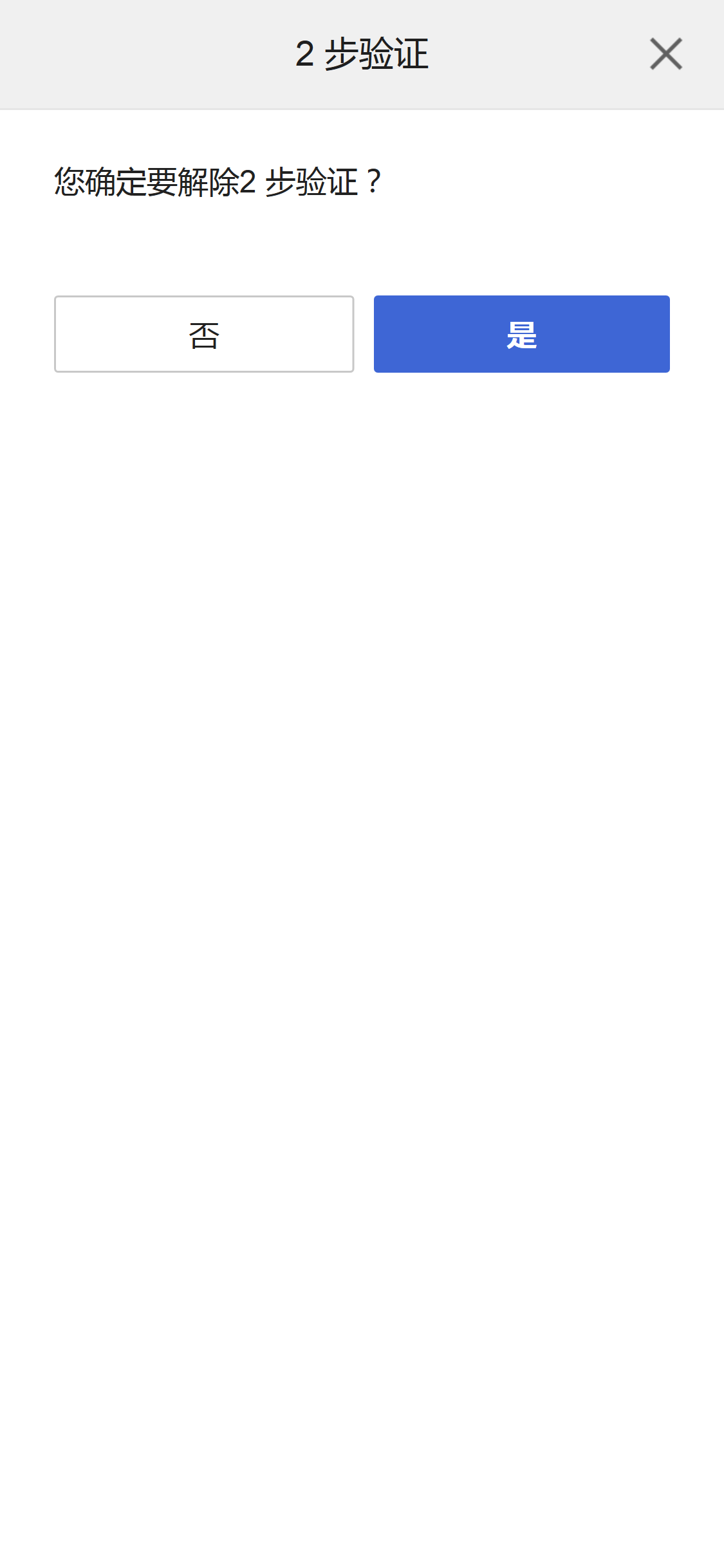
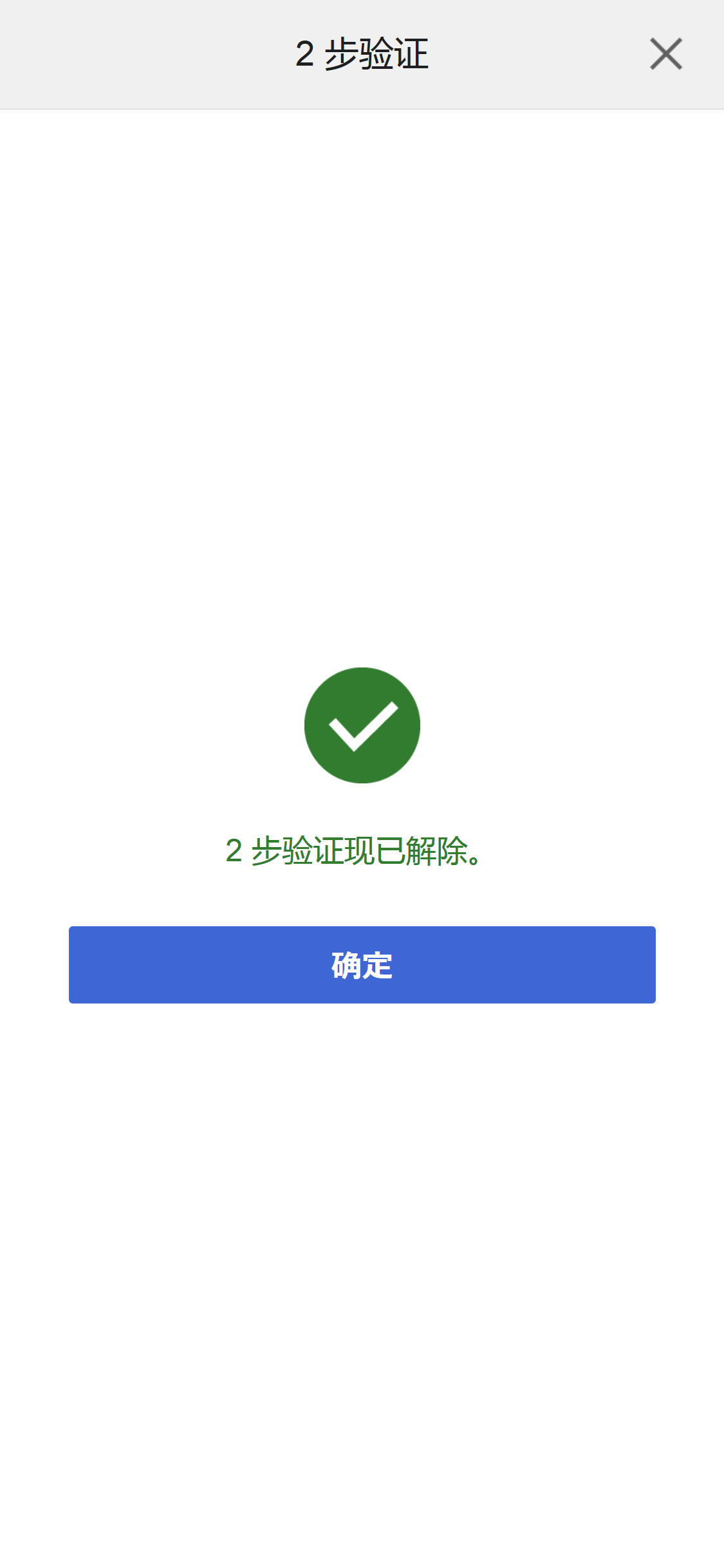
请选择[是]。
接收备用代码
如果启动2步验证,您在登陆时将需要验证代码。
如果无法通过短信或验证应用程序接收验证代码,可以输入备用代码代替验证代码登陆。
我们建议记下备用代码。例如,截取画面截图。
在"账号设定"画面选择[编辑]以编辑安全设定。
选择[备用代码]进行2步验证。
每个代码仅能使用一次。